Google Business Profile for Home Services
Set up Google Business Profile for home services to reach the Map Pack, with posts, services, photos, and reviews that convert.
By Digital Rank Solutions Team · Published Oct 30, 2026 · Updated Nov 4, 2026 · 12 min read
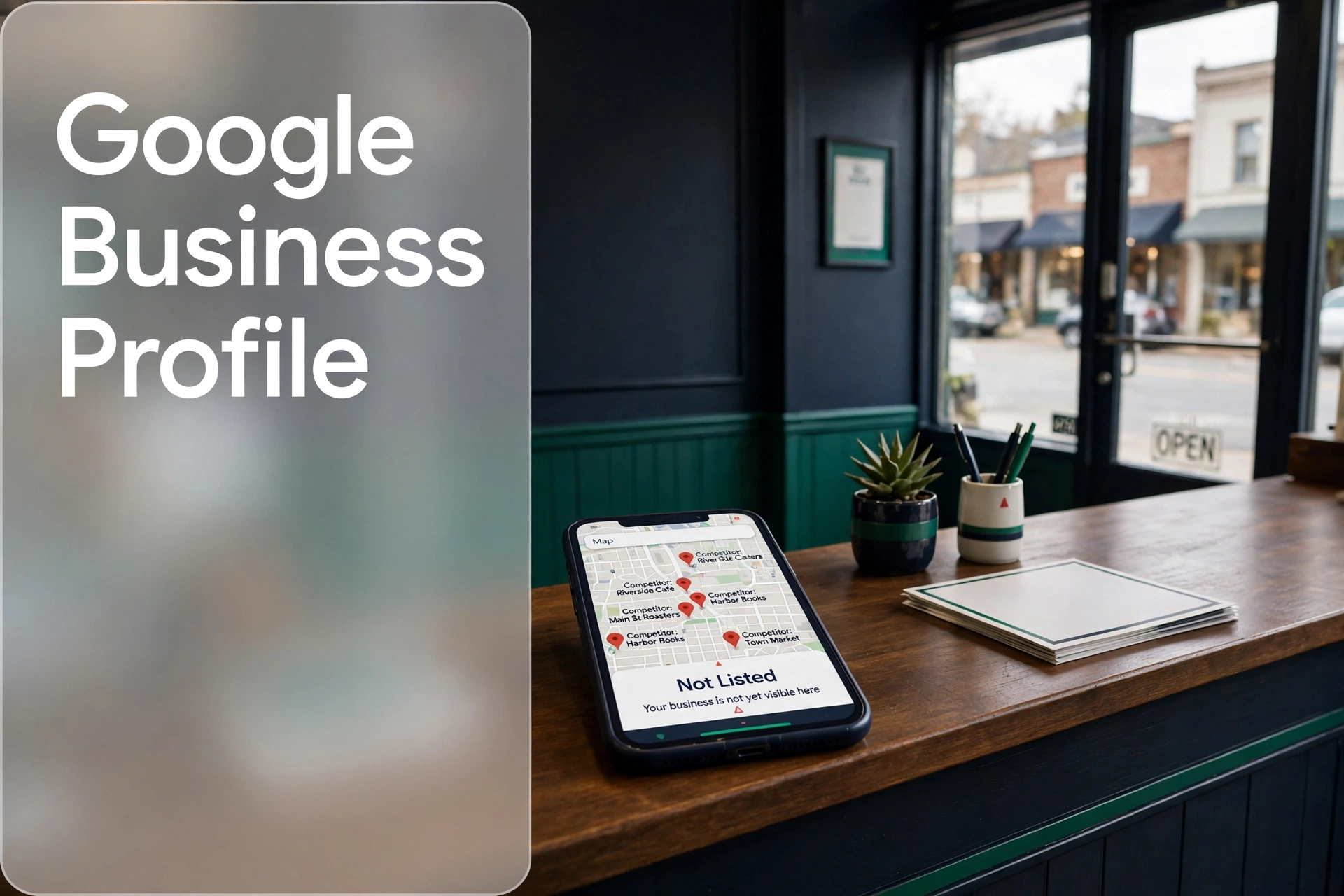
The direct answer
If you want more local calls, start with your Google Business Profile. For most home services companies in the USA, the Map Pack is the first place a customer looks when they search for a service near them. A complete, accurate, and active profile gives Google a clear reason to show you. A thin, outdated, or inconsistent profile gives Google a reason to show someone else. Google Business Profile optimisation is not a one-time setup task. It is a weekly habit: correct information, the right categories and services, real photos, regular posts, and a steady stream of reviews. Do those things well, and you give your business a fair chance to appear in the Map Pack for the services you actually offer, in the areas you actually serve. This guide walks through the exact setup I recommend for home services companies, including dumpster rental, garage door repair, and junk removal. It is written for owners, not for marketers, and every step can be done without technical skills. For a related read, see How to Get More 5-Star Reviews (and Why 47% of Customers Won't Call You Without Them) at how to get Google reviews and The 20-Review Rule: How to Build a Review System That Runs Itself at review system for local business. For the full service behind this guide, see dumpster rental SEO.
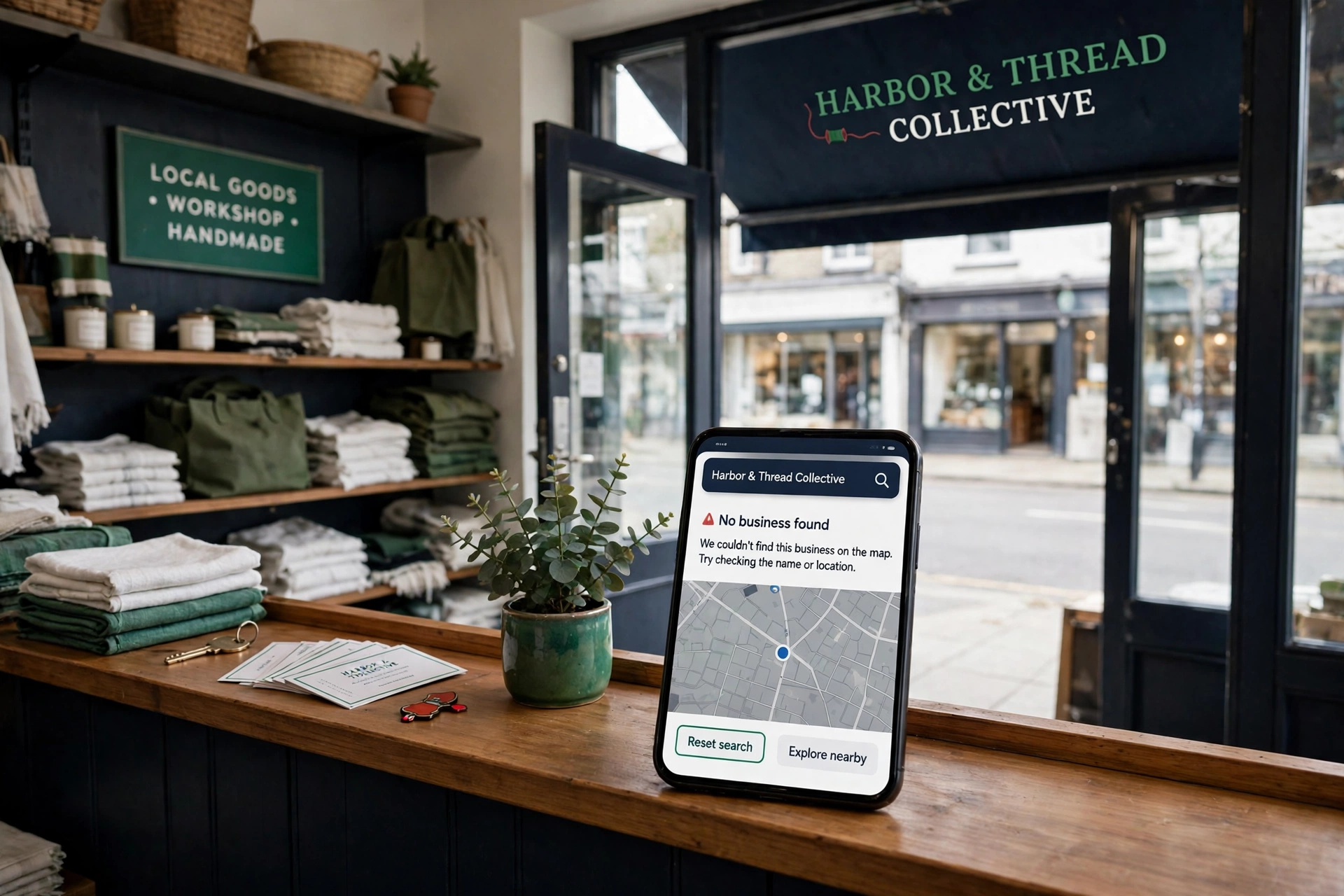
Why the Map Pack matters more than your homepage for local work
When a customer has a broken garage door, a full garage to clear, or a renovation that needs a dumpster, they do not browse for fun. They search, they look at the businesses Google shows near them, and they call the one that looks most trustworthy and most ready to help. Your homepage matters, but for a local, urgent job, the Map Pack often comes first. It shows your name, rating, review count, hours, and a call button before a customer ever visits your website. That is why the Map Pack can be more important than a perfect homepage design for home services. That is why google business profile home services work is so valuable. You are trying to win a small set of highly visible spots that customers see first, for the searches that are most likely to become jobs. If you serve dumpster rental customers, this profile work supports the same local strategy described on our dumpster rental SEO page. The same principle applies to garage door and junk removal companies: be clear about what you do, where you do it, and why a customer should trust you.
Step 1: Get the basics exactly right
Start with information that must match everywhere a customer can find you. Google checks consistency, and customers notice mistakes. Name, address, and service area Use your real business name, exactly as customers know it. Do not add keywords to your business name that are not part of your legal or trading name. That may look clever, but it creates trust problems and can cause profile issues later. If customers come to you, show your address. If you go to customers, which is true for most home services work, set a service area instead. List the towns and cities you will genuinely travel to. Do not list a city you will not serve, just because it looks like a bigger market. A customer in a city you will not visit is not a lead, it is a wasted call and a bad review waiting to happen. Check your service area against your real routes. If you serve a metro and its suburbs, list the metro and the suburbs by name. That clarity helps Google match you to searches in those places, and it helps customers know, in seconds, whether you cover them. Phone, website, and hours Use one main phone number, and make sure it is answered during the hours you claim to be open. A profile that says open, but a phone that goes unanswered, loses the job to the next listing. Link to a page that matches the service, not just your homepage, whenever that is possible. If a customer searched for junk removal, a junk removal page is more helpful than a general homepage. If a customer searched for garage door repair, a garage door page is more helpful. Set your real hours, including holiday hours and seasonal changes. If you offer emergency service, say so clearly, and say what emergency means for your business. Is it same-day? Is it after-hours? Is there a separate number? Customers should not have to guess. Categories: the most common mistake Categories tell Google what you do. This is where many home services profiles go wrong, because owners pick one broad category and stop. Pick the most accurate primary category first. For a dumpster company, that is dumpster rental or a closely related waste service category, not a general contractor category. For a garage door company, it is garage door repair or garage door installation, depending on your main work. For a junk removal company, it is junk removal or a closely related hauling category. Then add secondary categories only if you genuinely offer those services. If you also do hauling, cleanouts, or installation, add them. If you do not, leave them out. Extra categories that do not match your real work confuse Google and disappoint customers. Review your categories every few months. Services change, and Google changes its category list. A category that was right last year may no longer be the best fit.
Step 2: Fill out every service, attribute, and description field
A blank profile looks unfinished. A full profile looks like a real, active business. Services, not just a list of words List each service you offer, with a short, plain description. For a garage door company, that means broken spring repair, opener repair, cable repair, off-track repair, and new door installation, as separate services, not one vague line that says garage doors. For a junk removal company, that means furniture removal, appliance removal, estate cleanouts, and construction debris removal, as separate services. For a dumpster company, that means residential dumpster rental, construction dumpster rental, and cleanout dumpsters, as separate services. Use the words customers use. Customers do not search for debris management solutions. They search for dumpster rental, garage door repair, and junk removal. Write like a customer, not like a brochure. Description and attributes Your business description should answer three questions in plain language: who do you help, where do you help them, and what makes booking straightforward? Keep it honest and specific, and do not claim to be the best, biggest, or cheapest unless you can back it up. Fill in attributes that matter to a decision, such as online estimates or same-day service, and update them whenever your business changes. An outdated profile creates a mismatch between what Google shows and what you actually do.
Step 3: Photos that prove you are real
Photos are not decoration. For home services, photos are proof. Customers want to see your trucks, your team, your work, and your results. A profile with only a logo looks like a listing. A profile with real photos looks like a business that is working today. Add photos that show: • Your team at work, in uniform if you have one, doing the job safely • Before and after results, where that makes sense, such as a cleared garage or a completed cleanout • Your trucks and equipment, clean and clearly branded if possible • The inside of your shop or office, if customers visit you Avoid stock photos that could be any company, anywhere. Customers can tell, and stock photos do not build trust. Add new photos regularly, not just once. A profile with recent photos signals that the business is active, while a profile with photos from years ago raises questions. Make sure photos are clear, well lit, and honest. Do not use photos of work you did not do. That creates the wrong expectation, and it can lead to complaints when the real work does not match the photo.
Step 4: GBP posts: the weekly habit most businesses skip
GBP posts are short updates that appear on your profile. Many businesses set up a profile and never post again. That is a missed opportunity, because posts show Google and customers that you are active, and they give you a place to highlight what matters this week. This is the core of gbp posts local seo: small, regular, useful updates, not a flood of promotions. What to post Post about things a customer would actually want to know: • A service you are booking this week, such as same-day junk removal in a specific town • A seasonal reminder, such as checking garage door springs before winter, or booking a dumpster before a renovation • A recent job, with a photo and a short description of what was cleared, repaired, or delivered • A helpful answer to a common question, such as what size dumpster fits a garage cleanout, or what to do when a garage door will not close Keep posts short, clear, and specific. One idea per post is enough. A post that tries to say everything says nothing. How often to post Aim for at least one post per week. That is enough to keep your profile active without turning it into a chore. If you have a genuine update, post it. If you do not, a helpful tip or a reminder is better than silence. Do not post the same offer every week. Customers and Google both notice repetition. Rotate between service highlights, helpful tips, recent work, and seasonal reminders. Over a month, that gives a balanced picture of a business that helps customers, not just a business that sells.
Step 5: Reviews: the trust signal you cannot fake
Reviews are part of your profile, not a separate task. A strong profile with few reviews looks unfinished. A profile with many recent, positive reviews looks like a business customers already trust. Ask every happy customer for a review, shortly after the job is done, while the experience is fresh. Make it easy: send a direct link, explain that it only takes a minute, and thank them in advance. If you wait a week, the chance of a review drops sharply. Respond to every review, positive and negative. Thank customers who leave positive reviews, and mention something specific from their job if you can. For negative reviews, respond calmly, take responsibility where it is fair, and invite the customer to discuss the issue offline. Future customers read your responses as closely as they read the reviews themselves. For a full system, read How to Get More 5-Star Reviews (and Why 47% of Customers Won't Call You Without Them) at how to get Google reviews and The 20-Review Rule: How to Build a Review System That Runs Itself at review system for local business. Those two guides cover the request, the timing, and the automation that makes reviews a habit instead of a hope.
Step 6: Questions, messages, and booking
Customers may ask questions directly on your profile. Answer them promptly and clearly. If you enable messaging, treat it like a phone line: a message that goes unanswered for days is worse than no messaging at all. If you offer online booking, test the form yourself as a customer would, and make sure it is short, clear, and confirms what happens next.
Step 7: Keep your profile consistent everywhere
Google is not the only place customers check. Your website, your social profiles, and local directories should show the same name, phone number, hours, and service area as your Google Business Profile. Check your main listings once a quarter, and fix any mismatch you find.
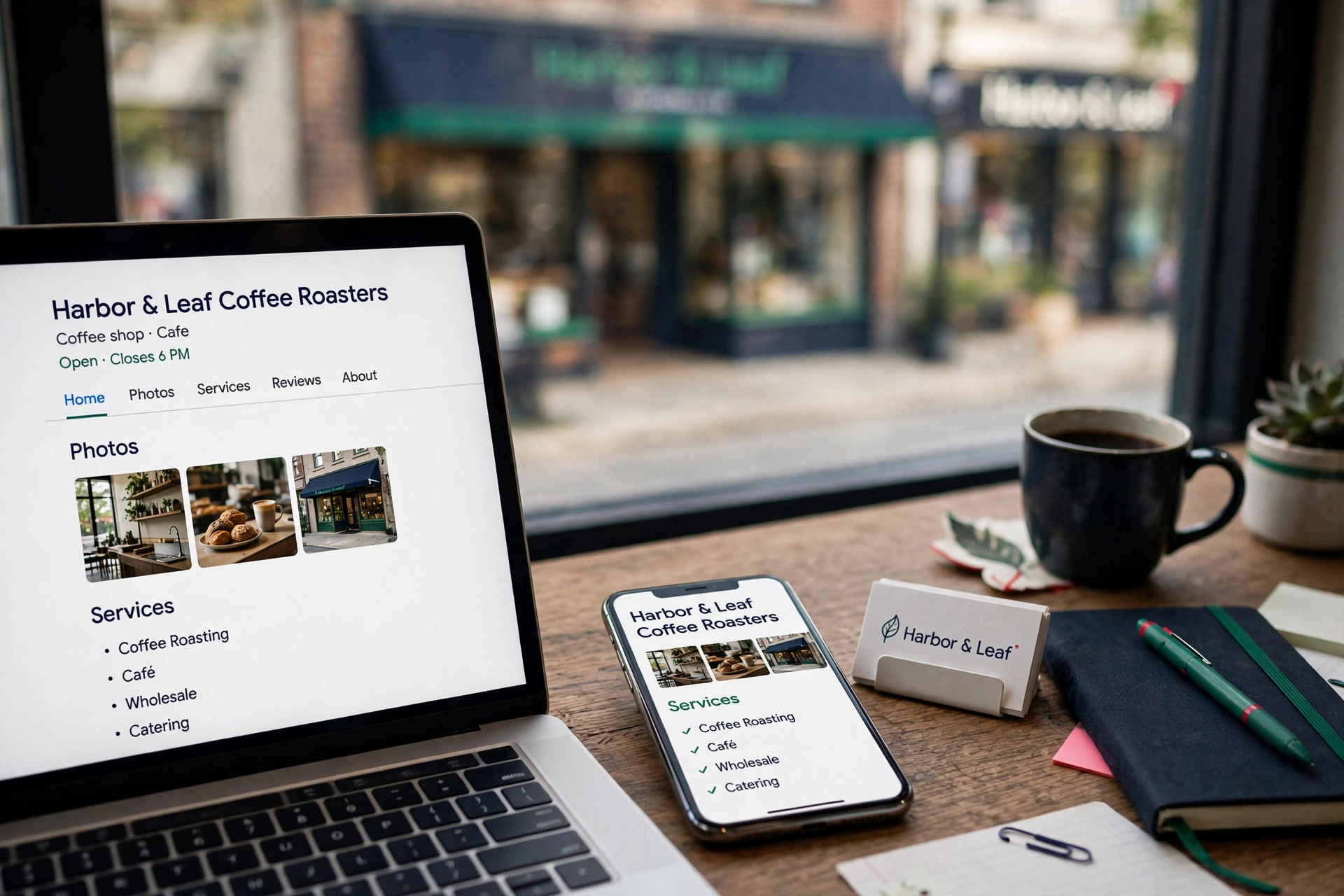
Common Map Pack mistakes to avoid
These mistakes appear again and again in home services profiles, and each one is easy to fix: • Listing cities you do not serve, which leads to wasted calls and frustrated customers • Using a keyword-stuffed business name that does not match your real name • Choosing only one broad category, instead of an accurate primary category plus real secondary categories • Leaving services blank, so Google has to guess what you offer • Posting once and then going silent for months • Asking for reviews only when you remember, instead of after every job • Ignoring negative reviews, which makes future customers assume you do not care • Using stock photos instead of real photos of your team and work Avoiding these mistakes does not guarantee a top Map Pack position, because competition, distance, and review history also matter. It does, however, remove the avoidable reasons Google might pass you over.
A simple weekly routine
Each week, check that your hours, phone, and service area are still correct, add one GBP post, add one new photo if you have a recent job worth showing, ask every customer from the past week for a review, and answer any new questions. For the wider timeline, see How Long Does SEO Take? The Honest Timeline for Local Businesses (Weeks, Not Promises) at how long does SEO take.

Related guides
dumpster rental near me seo garage door repair seo junk removal seo ai search seo seo audit home services dumpster rental marketing
Frequently asked questions
How long does it take to get into the Map Pack? There is no fixed date. Some businesses see early movement after fixing their profile, categories, and reviews, especially in smaller towns. In competitive metros, it takes longer, because other businesses are also working on their profiles. Focus on doing the work consistently, and measure calls, direction requests, and profile views over weeks and months, not days. Do I need a physical office to rank in the Map Pack? No, not for most home services work. If you go to customers, you can set a service area instead of showing a public address. What matters is that your service area is real, your profile is complete, and your reviews and activity show that you serve that area. Are GBP posts really worth it for a small company? Yes, because they are low effort and they keep your profile active. One useful post per week is enough. Posts alone will not carry your rankings, but a profile with no posts, no photos, and no reviews looks inactive compared with a competitor who posts, photographs, and asks for reviews regularly. Should I use my city name in my business name on Google? No, unless that city name is genuinely part of your business name. Adding a city or keyword to your name to try to rank better can cause trust and compliance problems. Win with accurate categories, services, photos, posts, and reviews instead. What if a competitor has more reviews than me? Do not try to buy reviews or copy theirs. Build your own system, ask after every job, and focus on recent reviews as well as total reviews. A business with steady, recent, detailed reviews often looks more trustworthy than a business with many old reviews and no recent activity. The review system guides linked above explain how to build that habit.
Your next step
Start with the basics this week. Check your name, service area, phone, hours, and categories. Add your services, upload a few real photos, and write your first GBP post. Then keep going. Map Pack success for home services is not about a secret trick. It is about being consistent, accurate, and active, week after week. Customers will notice, and so will Google. If you want help setting up or managing your Google Business Profile, along with the local SEO, reviews, and content that support it, request a free audit. We will review your profile, your rankings, and your competitors in your area, and show you exactly what to fix first.