What to Do When Google Updates Hit
What to do when Google updates hit, and how to protect local rankings in 2026 without panic or quick fixes. Get a free audit.
By Alex · Published Nov 4, 2026 · Updated Nov 21, 2026 · 10 min read
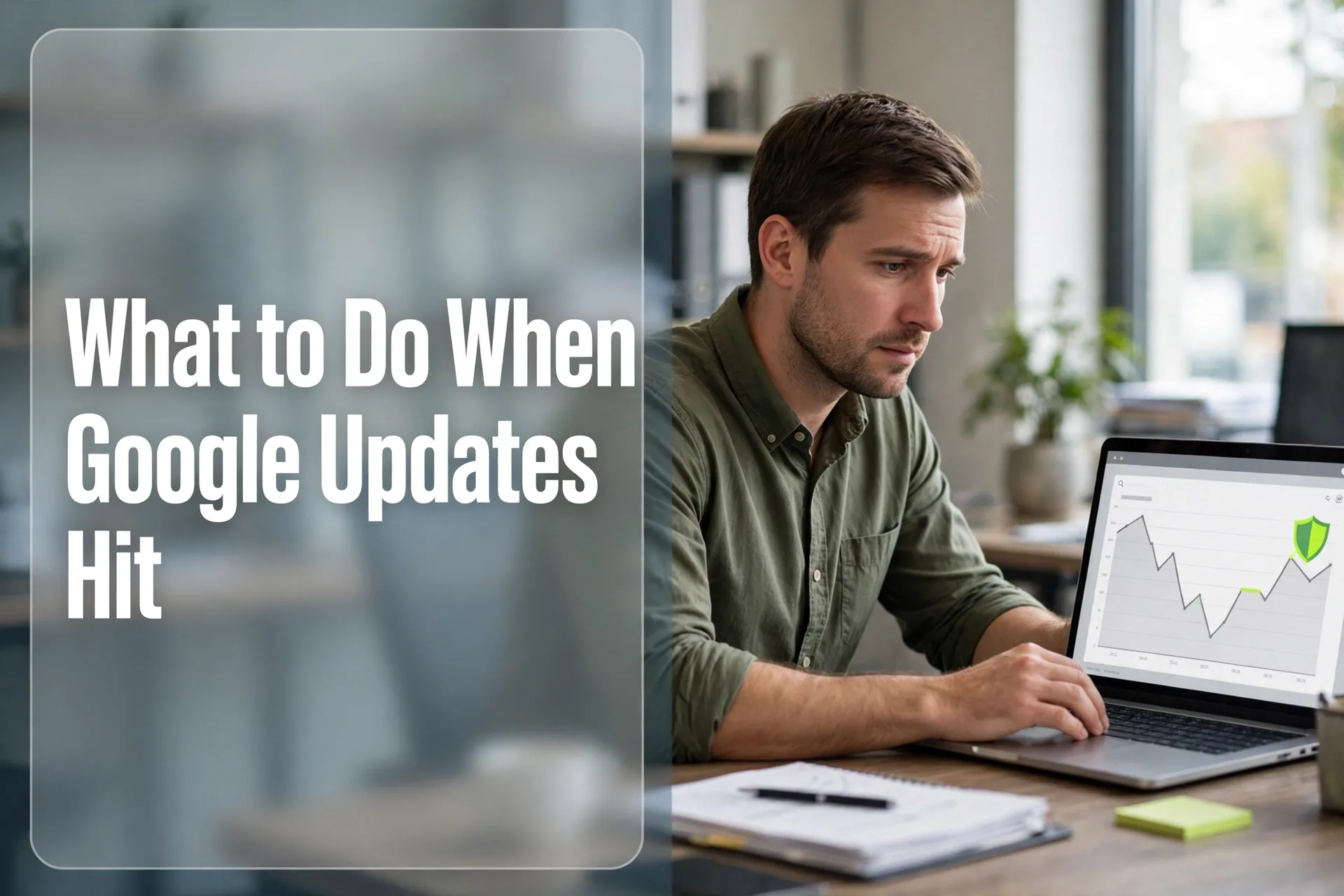
Google updates its search system regularly, and local rankings can move when it does. Here is the direct answer: when a Google algorithm update hits, do not panic and do not rewrite everything overnight. First, check whether your rankings, traffic, and enquiries actually changed, and whether the change lines up with the update. Then fix the basics that updates consistently reward: helpful content, a fast mobile-friendly site, clear local relevance, and trustworthy business information. That calm, evidence-first response protects local rankings far better than rushed changes.
Most local businesses do not lose rankings because Google suddenly dislikes them. They lose ground because competitors improved, because a page was thin or confusing, or because a technical problem made a good page hard to use. An update often exposes those weaknesses rather than creating them from nothing. Your job is to find the real weakness and fix it properly.
This guide explains what to do before, during, and after a Google update, in plain English: how to tell real impact from normal fluctuation, what to check first, how to recover without making things worse, and how to build a presence that is harder to shake next time.
First, Do Not Panic: Normal Movement Is Not a Penalty
Local rankings move all the time. A business can rank higher one week and lower the next because a competitor published a better page, because Google tested a different result, or because the searcher was in a different location. That normal movement is not the same as a lasting drop caused by an update.
Before you react, ask three questions:
• Did rankings drop across many important pages, or just one page or one search term? • Did enquiries and calls drop too, or did only a ranking tool change? • Did the drop start around the time of a confirmed update, or did it start after a change you made to your own site?
If only one term moved slightly, wait and watch. If many core service pages dropped at the same time and enquiries fell with them, you have a real problem to investigate. If rankings dropped right after you redesigned your site, changed page URLs, or removed content, the cause may be your own change, not Google.
This distinction matters because the fix is different. Normal fluctuation needs patience and steady improvement. A site change needs that change reviewed and, if needed, corrected. An update impact needs a quality and relevance review. Guessing the wrong cause leads to the wrong fix, and rushed fixes can turn a small dip into a bigger problem.

How to Check Whether an Update Actually Hurt You
When you suspect a Google update affected your local rankings, work through a short, calm audit before changing anything major.
Start with your homepage, core service pages, and contact page. Check whether those pages still rank for searches that matter to real customers. Then check your business profile, website traffic, and enquiries. A ranking change that does not change calls or form submissions may matter less than it looks in a tool.
Next, compare pages that dropped with pages that held steady. Is the dropping page thinner, older, slower, or less clear about the service and area? Is the steady page more helpful, better structured, or easier to use on a phone? Those comparisons often point straight to the fix.
Also check for technical problems that may have appeared at the same time. A slow page, a broken link, or a mobile usability problem can hurt a page regardless of an update. Technical SEO for Local Businesses: Speed, Mobile, and Core Web Vitals in Plain English explains how to check loading, responsiveness, and layout stability in plain English.
Write down what you find before you change anything: which pages dropped, which searches were affected, and what you changed recently. That simple record prevents panic edits and helps you see whether your fixes worked later.
What Google Updates Usually Reward
Google updates vary, but they tend to move in the same direction: toward pages that genuinely help the searcher. That is good news for local businesses that focus on customers rather than tricks. Updates generally reward pages that:
• Answer the searcher's question directly and completely. • Show real expertise about the service, not generic filler. • Are clear about what the business does and where it serves. • Load well on mobile and are easy to use. • Come from a business with consistent, trustworthy information. • Earn attention because people find the page useful, not because it repeats keywords.
They tend to work against pages that are thin, copied, misleading, stuffed with keywords, or hard to use, and against pages that promise one thing in the title and deliver something else. If your pages are honest, helpful, and easy to use, updates are less scary, because you are already aligned with what Google is trying to reward.
This is the same intent-first thinking behind The Neil Patel Formula for Small Business SEO: Intent First, Keywords Second, Content Third. Start with what the customer wants, choose keywords that match that intent, and create content that serves it fully.
A Step-by-Step Recovery Plan That Does Not Make Things Worse
If you have confirmed a real drop, follow this recovery plan in order. Recovery is usually about fixing the weakest link, not rebuilding the whole site.
Step One: Fix Technical and Local Basics First
Check that affected pages still load, work on mobile, and link correctly. Fix broken links, slow images, and pages that shift while loading. Make sure your business name, service, and area are clear, and that contact information is easy to find.
For home services, this clarity matters a great deal. A page should make it obvious what service is offered, who it is for, and what the next step is. See how that looks in practice on the junk removal SEO service page, where the service, the customer, and the call to action are easy to understand.
Step Two: Improve the Content That Actually Dropped
Open each dropped page and read it as a customer. Does it answer the main question early? Does it explain the service clearly? Does it cover what a customer would ask before calling, such as what is included, who the service is for, and how to get started?
If the page is thin, expand it with genuinely useful information. If it is confusing, simplify it. If the title promises one service and the content talks about something else, align them. Do not add keywords for the sake of keywords. Add answers for the sake of customers.
Also check whether the page type is right. Some topics deserve a full service page, while others work better as a supporting blog post that links to a service page. Service Pages vs. Blog Posts: When to Publish Each One for Local SEO can help you make that call, so you do not hide a core service inside a blog post where customers cannot find it.
Step Three: Strengthen Trust Signals
Trust is a quiet factor that updates often reinforce. Make sure your business information is consistent across your website and your main profiles, and keep your service pages accurate and up to date. Remove outdated claims or pages that no longer reflect what you do.
Genuine reviews also support trust. Encourage happy customers to share their experience, and respond to reviews in a helpful, professional way. A steady, honest approach beats a sudden burst of activity that looks forced.
Step Four: Wait, Measure, and Then Adjust
After you fix a page, give it time. Google needs to recrawl the page, understand the change, and test it against other results. Changing the same page again every day makes it impossible to know what worked.
Track the pages you fixed, the searches that matter, and the enquiries those pages produce. If a page improves, note what you changed so you can apply the same lesson elsewhere. If it does not improve, look again: is the content still thin, is the page still slow, or is a competitor page simply more helpful?

What Not to Do After an Update
The fastest way to make an update worse is to react with panic tactics. Avoid these common mistakes.
Do not delete pages that dropped without understanding why they dropped. Deleting a page can remove a ranking asset and break internal links. Improve it first, and only remove a page when it is genuinely duplicate, outdated, or no longer relevant.
Do not stuff keywords into titles, headings, and paragraphs in the hope of winning back rankings. Keyword stuffing makes pages harder to read, and updates are designed to reward helpful pages, not repetitive ones. Write naturally and focus on answering customer questions.
Do not buy shortcuts, such as low-quality links or mass-produced content, to recover quickly. Those tactics create risk that a future update can expose. A local business needs a small number of strong pages, a technically sound site, and consistent local relevance.
Do not change everything at once. If you rewrite content, redesign pages, and change URLs in the same week, you will never know which change helped and which one hurt. Make one meaningful improvement at a time and measure the result.
How to Protect Local Rankings Before the Next Update
The best recovery plan is prevention. Businesses that protect local rankings well do the same steady things all year, not just when an update hits.
Keep your core service pages strong and current. Review them regularly, update outdated details, and make sure each page still answers the customer's main question clearly.
Keep your site technically sound. Speed, mobile usability, and stability are not one-time projects. Check your important pages after redesigns and major content updates. A site that stays fast and stable is better prepared for any update.
Publish helpful content consistently, but do not publish for volume alone. One genuinely useful article that answers a real local question is worth more than several thin posts that repeat the same ideas. Link supporting articles naturally to the relevant service pages, so customers can move from learning to contacting without confusion.
Stay focused on customers, not on chasing every update rumour. When a new update is announced, read what it is actually about, check whether it affects your pages, and then improve what matters. AI search makes this even more important: clear, well-structured, trustworthy pages are more likely to be quoted and recommended, as explained in How AI Search Works in 2026: How to Get Quoted by Google AI Overviews, ChatGPT, and Perplexity.
Frequently asked questions
FAQ
Final Takeaway
Google updates are not going away, and local rankings will keep moving. The businesses that protect their rankings best are not the ones that react fastest with panic edits. They are the ones that stay calm, check the evidence, fix the real weakness, and keep building helpful, trustworthy, technically sound pages all year.
If your rankings dropped, start with the basics: check what changed, fix technical and clarity issues, improve dropped pages with real answers, and then measure. If your rankings held steady, use the update as a reminder to keep your core pages strong.
Need help auditing your pages and building a local presence that holds up through updates? Contact Digital Rank Solutions and we will help you protect your local rankings in 2026 and beyond.
Tags
- #google algorithm update local seo
- #google update local rankings
- #protect local rankings
- #seo update recovery