Technical SEO for Local Businesses Explained
Technical SEO for local businesses in plain English, covering speed, mobile, and Core Web Vitals without jargon. Get a free audit.
By Alex · Published Nov 4, 2026 · Updated Nov 21, 2026 · 11 min read
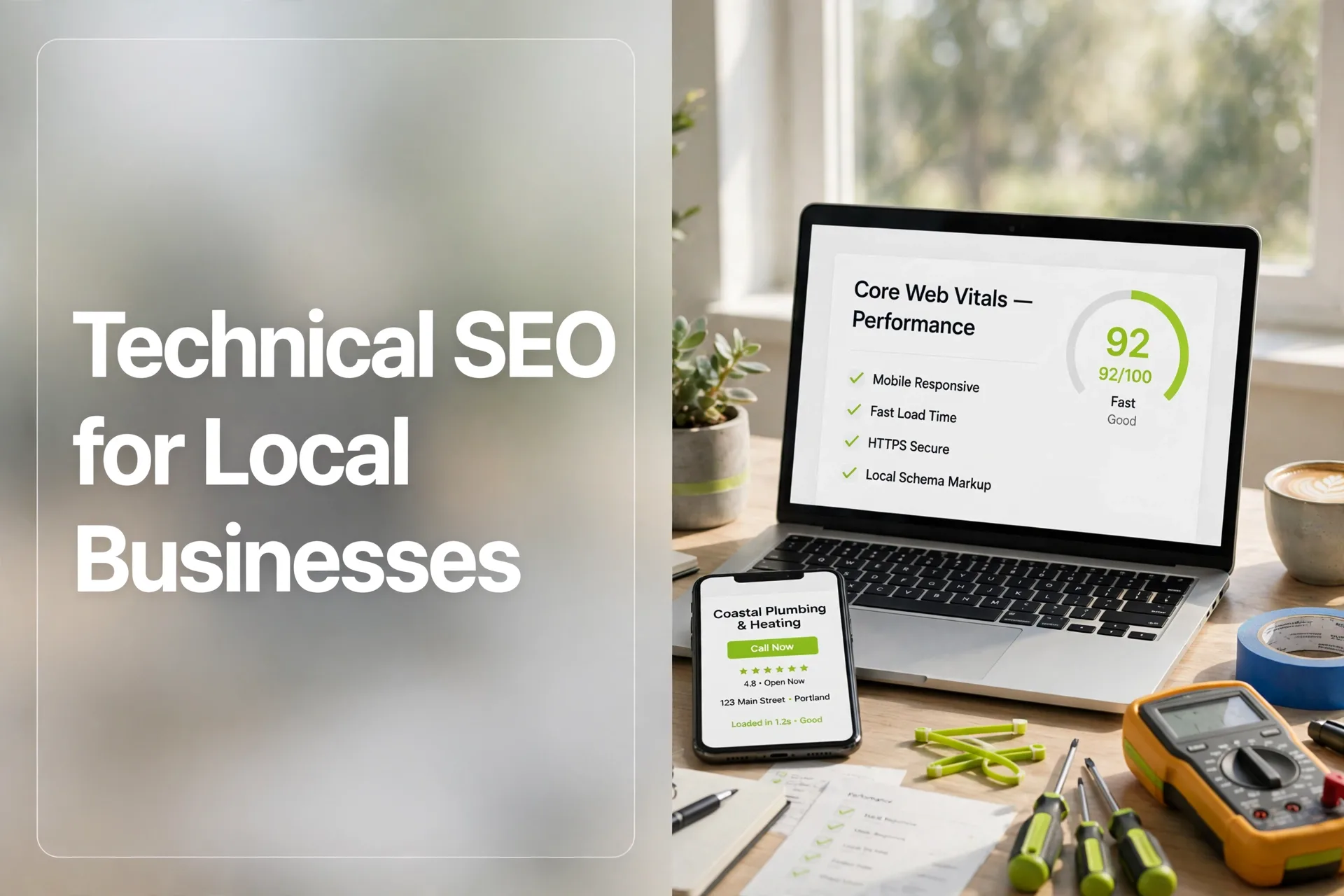
If you run a local business and your website feels slow, clunky on a phone, or hard for Google to understand, technical SEO is probably the missing piece. Here is the direct answer: technical SEO for a local business means making your site fast, easy to use on mobile, and easy for Google to crawl, understand, and trust, so nearby customers can find you and actually contact you. You do not need to become a developer to benefit from it. You need a site that loads quickly, looks clean on a phone, answers the searcher's question, and makes the next step obvious.
That is the whole game in plain English. Most local businesses lose customers not because their service is weak, but because their website gets in the way. A potential customer searches, taps your listing, waits, gets frustrated, and chooses a competitor whose site simply works. Technical SEO fixes that friction before it costs you the job.
This guide breaks down speed, mobile, and Core Web Vitals without jargon, and gives you the exact steps to fix the most common problems.
What Technical SEO Actually Means for a Local Business
Technical SEO is the behind-the-scenes work that helps search engines find, read, and rank your pages. Content tells Google what you do. Technical SEO makes sure Google can reach that content, load it properly, and feel confident showing it to local searchers.
Think of it like a storefront. Your content is the sign and the sales pitch. Technical SEO is the door that opens easily and the aisles that are clear. Customers may never compliment the door, but they will leave if it sticks.
For a local business, technical SEO covers a short list of essentials:
• Your site loads fast enough that visitors stay. • Your site works beautifully on a phone, because that is where most local searches happen. • Google can crawl your pages and understand which service and which area each page covers. • Your pages are secure, stable while loading, and free of broken links and confusing redirects. • Your contact information, service area, and calls to action are easy to find.
You do not need every advanced trick on day one. You need the basics done well, consistently, across every important page. That is how The Neil Patel Formula for Small Business SEO: Intent First, Keywords Second, Content Third works in practice: understand what the customer wants, then build pages and a site experience that serve that intent without friction.
Why Speed Is a Local Ranking and Sales Issue
Website speed is not just a technical detail. It is a customer experience issue, and for home services and other local businesses, it is often a sales issue too.
Local searches are urgent. Someone with a broken garage door or a garage cleanout does not want to wait around. They want a phone number, a service description, and a clear way to get help. If your page takes a long time to show that information, you have already created doubt.
Speed also affects how Google sees your site. Google wants to send searchers to pages that load well and feel responsive. A slow site can hold back otherwise good content, because searchers leave before they read it. That is why website speed for home services deserves attention before you publish more blog posts. Fix the foundation first, then build on it.

Mobile SEO Speed: Start With the Phone, Not the Desktop
Mobile SEO speed starts with a simple rule: design and test for the phone first. Most local customers will meet your business on a small screen, often after tapping a map listing or a search result. If the phone experience is an afterthought, your local SEO will suffer even if your desktop site looks great.
A strong mobile experience has a few clear traits. Text is large enough to read without zooming. Buttons are large enough to tap without hitting the wrong link. The phone number and contact button are visible without scrolling through a wall of text. Forms are short. Images help the page without slowing it down. Nothing shifts around unexpectedly while the page is loading.
Here are practical mobile fixes that help almost every local business:
• Put your main call to action near the top of the page on mobile. Do not bury the phone number or contact button at the bottom. • Use a tap-to-call phone number so a customer can reach you in one tap. • Keep menus simple. A visitor should reach any core service in a couple of taps. • Avoid popups that cover the whole screen on a phone. If you use one, make it easy to close. • Check every service page on an actual phone, not just by shrinking a desktop browser window. Real phones reveal real problems.
Mobile speed also depends on what loads first. The most important content should appear first: your headline, your service, your area, and your next step. Large images, videos, and extra scripts should not delay that core information.
For trades and home services, this matters even more. A customer looking for dumpster rental SEO help is trying to solve a problem, not browse for fun. Your mobile page should respect that urgency and make the solution obvious.

Core Web Vitals in Plain English
Core Web Vitals sound technical, but the ideas behind them are simple. They are Google's way of measuring how a real visitor experiences your page. You can think of them as three questions Google asks about every page:
• How quickly does the main content become visible? • How quickly does the page respond when someone taps or clicks? • Does the page stay stable while it loads, or do things jump around?
That is it. No mystery. Let us look at each one in plain English.

Loading: How Fast the Main Content Appears
Loading is about first impression: how long before a visitor can see your headline, service description, and next step? A blank screen or long spinning loader makes visitors feel stuck. Common causes are oversized images, too many plugins or scripts, and heavy design elements. Compress images, remove tools you no longer use, and keep the page focused on one job.
Interactivity: How Fast the Page Responds
Interactivity is about responsiveness. When a visitor taps a button, opens a menu, or starts a form, does the page react right away or hesitate? A page can look loaded and still feel sluggish if the browser is busy running scripts in the background. Keep only tools that genuinely help a customer contact you or understand your service, and delay the rest until after the main content is ready.
Visual Stability: Does Anything Jump Around?
Visual stability is about trust. Have you ever tried to tap a button, only for the page to shift and make you tap the wrong thing? That happens when images load without reserved space or banners appear late and push content down. Reserve space for images, avoid late-loading banners, and test the page while it loads, not just after it finishes. A stable page feels professional; an unstable page feels unreliable.
Together, these three ideas form the core of core web vitals local SEO. You do not need to memorise the technical names to improve them. You need to ask, on every important page: does it load quickly, respond quickly, and stay stable? If the answer is yes, you are on the right track.
A Simple Technical SEO Checklist for Local Businesses
Use this checklist as your action plan, starting with your homepage and your most important service pages. Small, consistent fixes beat a one-time overhaul that never gets finished.
Make Images Lighter Without Making Them Ugly
Images are one of the most common causes of slow local websites. Before uploading a photo, resize it to the size it will actually appear on the page, compress it so it still looks sharp, and use descriptive file names and alt text. Avoid uploading full-size camera photos directly to your site. Lighter images load faster and make the whole page feel snappier.
Clean Up Scripts, Plugins, and Extra Tools
Every plugin, tracker, and widget adds weight. Audit what your site actually loads. If you installed a tool for a campaign that ended, remove it. If two tools do the same job, keep one. This cleanup often improves both speed and interactivity at once.
Fix Broken Links, Redirects, and Crawl Problems
Broken links frustrate visitors and waste Google's crawl time. Check for links that lead nowhere, pages that redirect in circles, and old pages that no longer exist. Keep your structure simple: your homepage should link clearly to each main service, and your navigation should stay consistent across the site.
Use Secure Hosting and a Clear Site Structure
A secure site builds trust, especially when visitors are about to share contact details or request a quote. Make sure your site loads over a secure connection and that your hosting can handle normal traffic without slowing down at busy times. Keep the structure logical: a homepage, clear service pages, a contact page, and helpful blog posts that support those services. Service Pages vs. Blog Posts: When to Publish Each One for Local SEO explains how to decide what deserves a service page and what works better as a supporting article.
Make local information easy to find, too. Each service page should clearly state the service and the area served, without stuffing keywords. Your contact page should be easy to reach from every page, and every service page should end with a clear next step. Clarity helps both people and search engines.
Common Technical SEO Mistakes Local Businesses Make
Many local sites share the same problems. Avoiding these mistakes alone can put you ahead of competitors who keep adding content on top of a weak foundation.
The first mistake is building a beautiful desktop site and ignoring the phone. Test mobile first, every time. The second mistake is adding more and more plugins, popups, and animations without checking speed. Every addition should earn its place by helping a customer or helping Google understand the page.
The third mistake is publishing duplicate or thin service pages for every town without adding real value. It is better to have a smaller number of strong, helpful service pages than a large number of near-identical pages that confuse visitors and search engines. Focus on quality, clarity, and genuine local relevance.
The fourth mistake is ignoring the basics after launch. Technical SEO is not a one-time task. Images get added, plugins get updated, and speed can drift over time. Check your important pages regularly, especially after a redesign.
Finally, many businesses treat technical SEO as separate from marketing. It is not. When someone discovers you through a reel or a review, they will still land on your website, and that landing experience decides whether discovery turns into a call. That is why Social Media + SEO: How Reels and Reviews Work Together to Rank Your Business matters alongside technical work: social brings attention, and a technically sound site turns that attention into enquiries.
How to Prioritise When Everything Feels Broken
If your site has many issues, do not try to fix everything at once. Prioritise by customer impact.
Start with your homepage and your top service pages, because those pages receive the most traffic and drive the most enquiries. Fix mobile usability and speed on those pages first. Then fix broken links and navigation problems that affect the whole site. Then work through images, scripts, and layout shifts.
After the core pages are solid, expand to the rest of the site in batches. Keep a simple list of what you fixed and what remains, so you can spot patterns such as one plugin causing problems across many pages.
Remember that technical SEO supports content, it does not replace it. A fast site with weak content will still struggle. The winning combination is clear, helpful content plus a fast, stable experience. AI tools also favour clear, well-structured, trustworthy pages, as explained in How AI Search Works in 2026: How to Get Quoted by Google AI Overviews, ChatGPT, and Perplexity. For trades, the same urgency applies: a customer looking for garage door help needs a page that loads fast on a phone and makes contact effortless, as shown on the garage door repair SEO service page.
Frequently Asked Questions
FAQ
Final Takeaway
Technical SEO for a local business is not about chasing jargon. It is about respecting your customer's time. Make your site fast, make it work on a phone, keep it stable while it loads, and make the next step obvious. Do that consistently, and you give Google a reason to trust your pages and give customers a reason to stay.
If your site feels slow or is not turning searches into calls, start with the checklist in this guide. Fix the homepage and top service pages first, then expand from there.
Ready to make your local site faster and easier for customers to use? Contact Digital Rank Solutions and we will help you turn technical fixes into more local enquiries.
Tags
- #technical seo local business
- #core web vitals local seo
- #mobile seo speed
- #website speed home services